Voting Tool Functions: Secure and Easy-To-Use - For Any Election
NemoVote is a professional voting platform for all requirements. It is optimized for real-time voting and offers an extremely flexible yet easy-to-understand system.
No more spreadsheets, no more chaos. Run elections the easy way.
Everything you need to run elections — without the hassle
NemoVote packs all the essential tools to replicate your voting system as you need it. No workarounds, no compromises. See how it works.
Ready in minutes. No IT degree required
NemoVote works in any modern browser — no downloads, no extra apps. Administrators can set up elections in a flash, with intuitive tools that just work.
Your brand. Your rules. Your voters’ trust
Make NemoVote unmistakably yours with custom branding, SSO logins, and advanced security. Voters recognize your organization instantly — boosting trust, participation, and a seamless experience.
Voting Features
NemoVote has all the features that you need for your elections and for replicating your voting system. On this page we will give you an overview of the most important features.


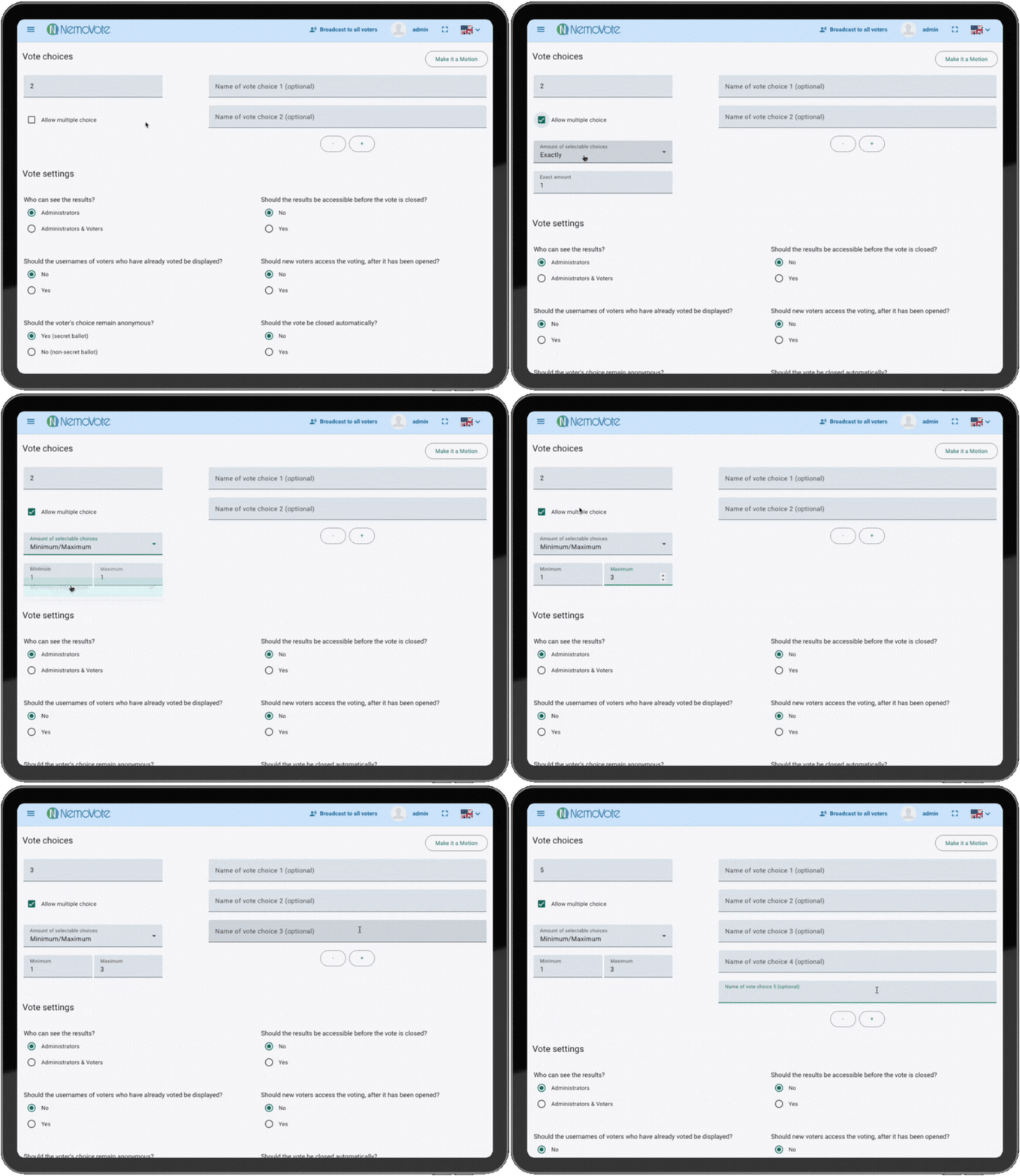
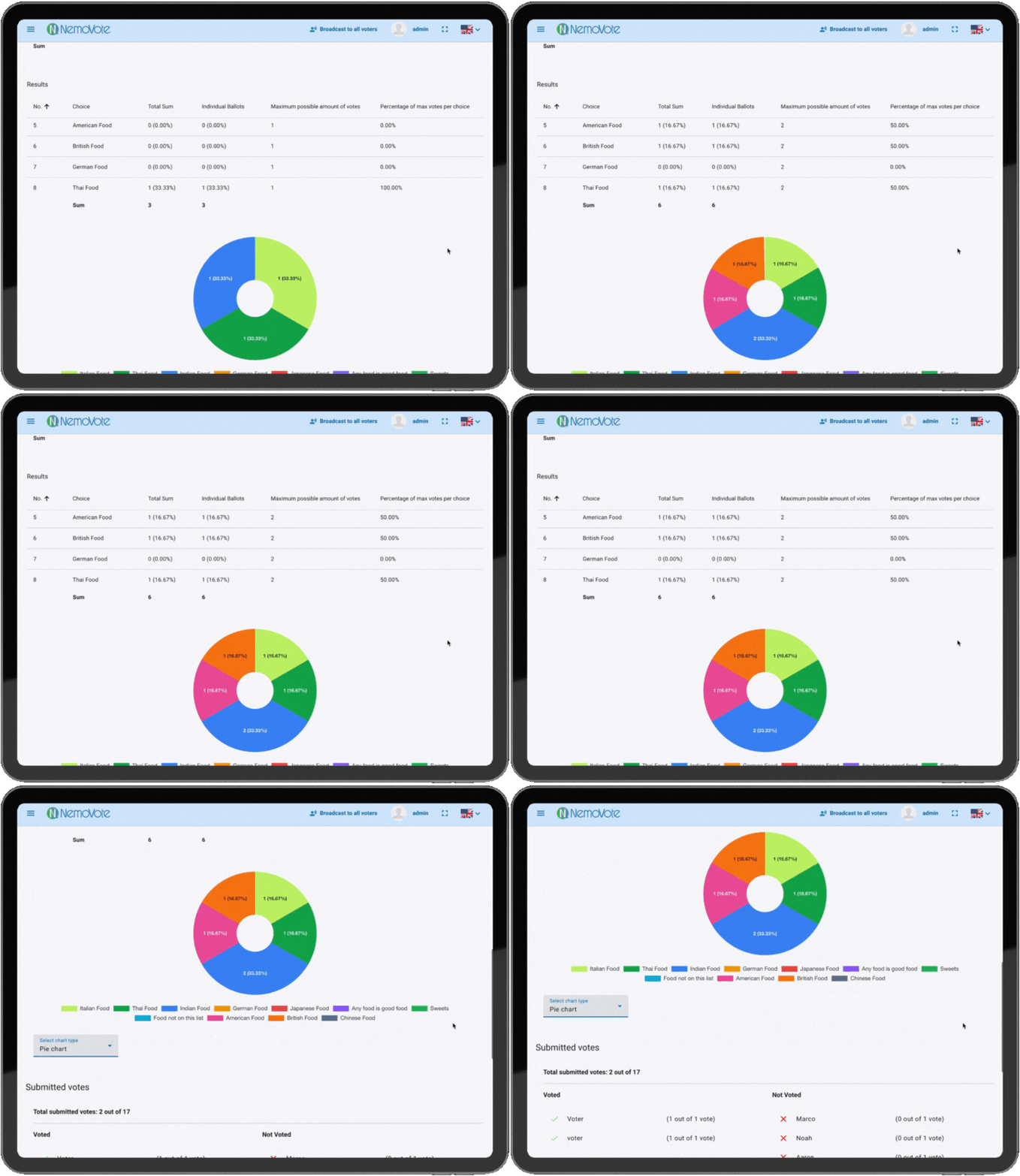
Voting Features
Candidate profiles
Create detailed candidate profiles using the vote description feature. Add text, images, and links to provide voters with comprehensive information about each candidate, enhancing transparency and informed decision-making.
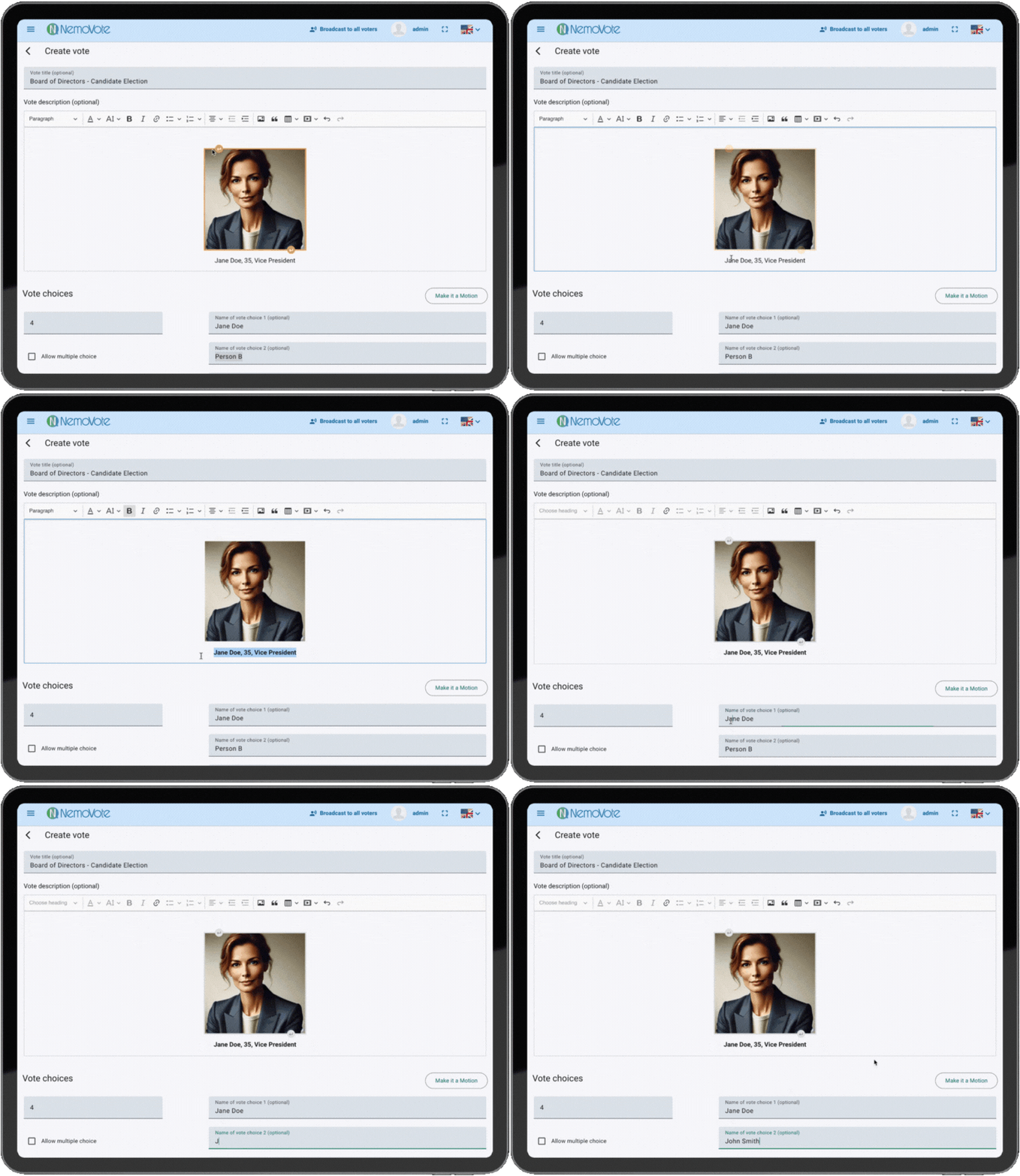
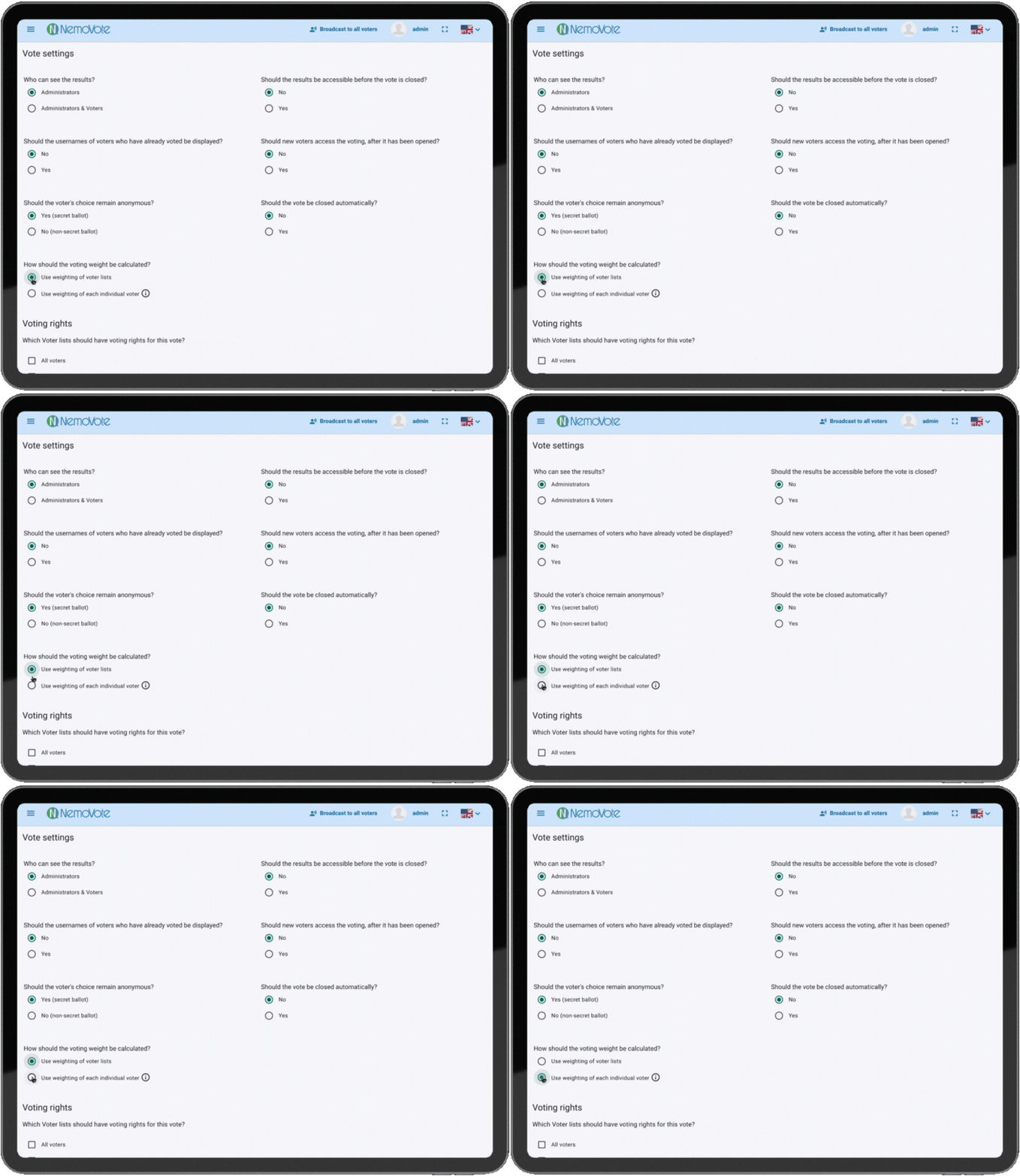
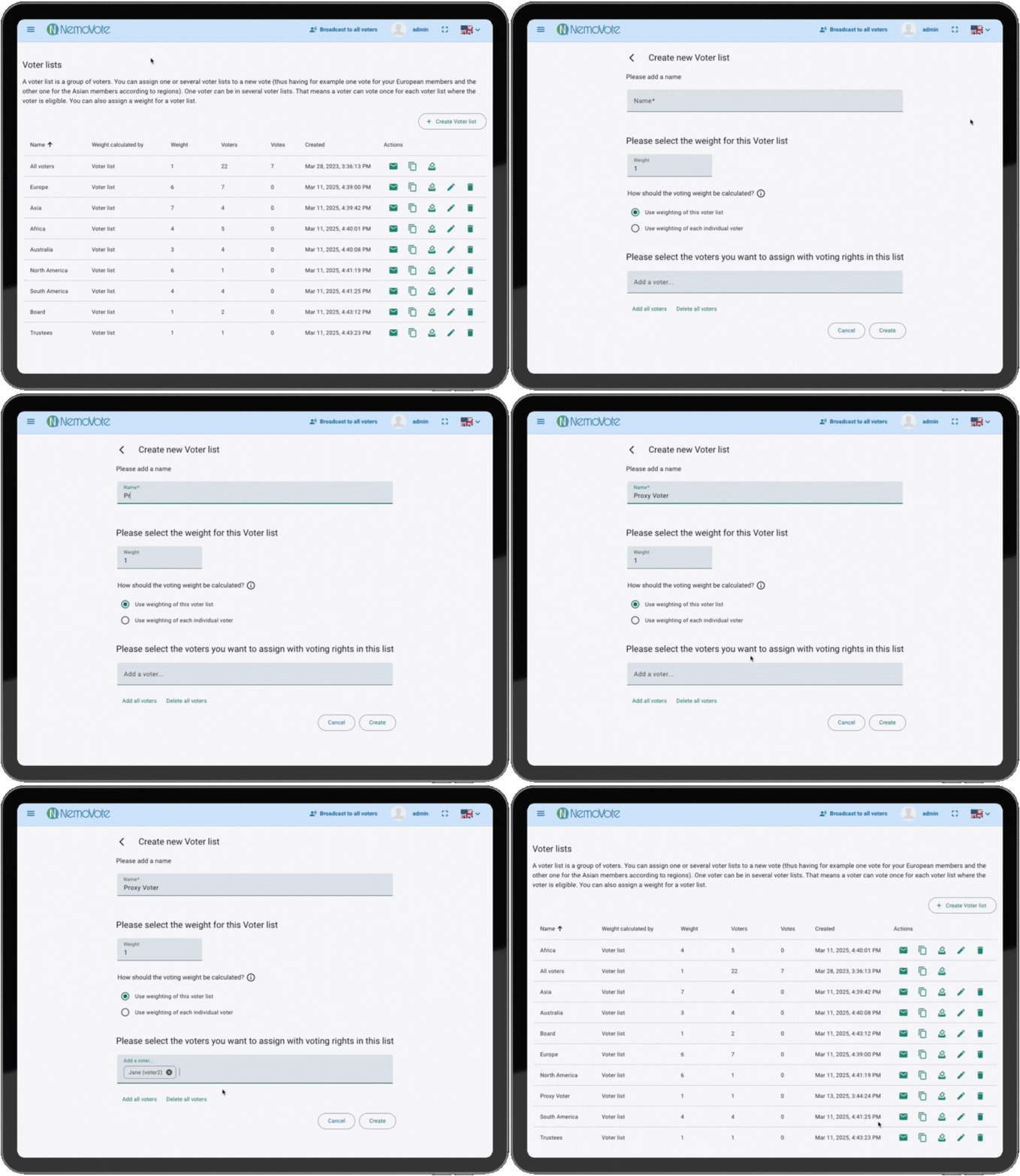
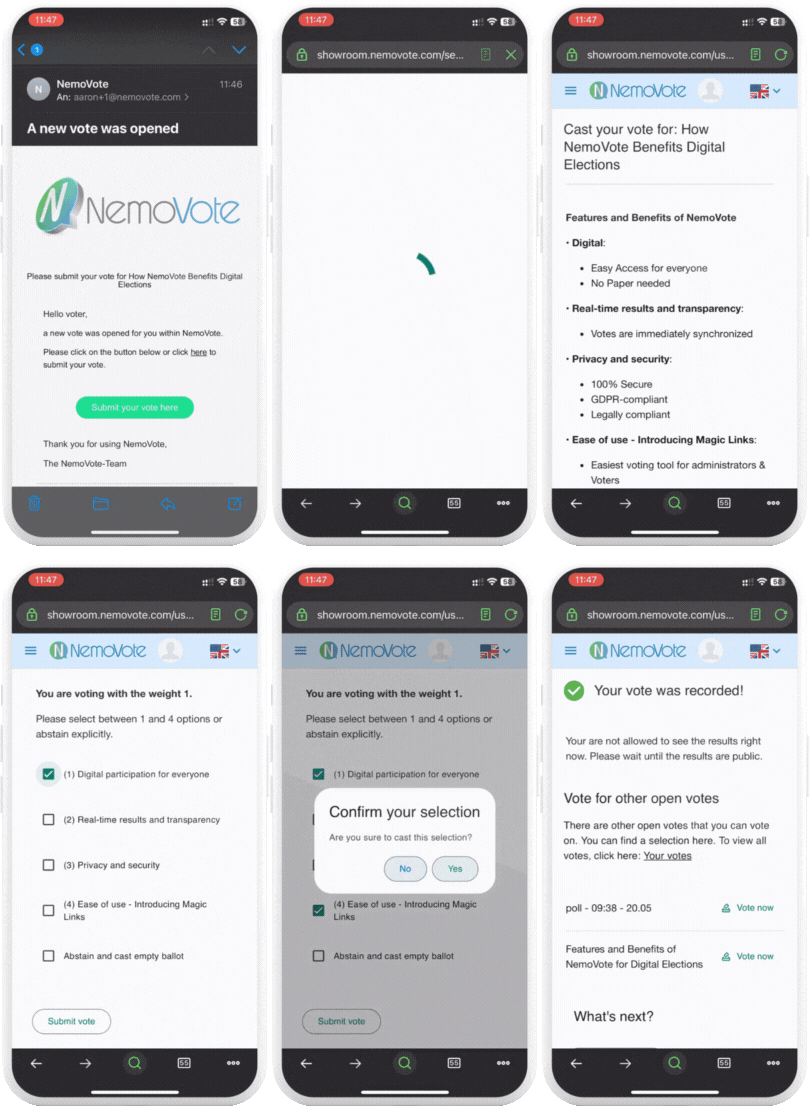
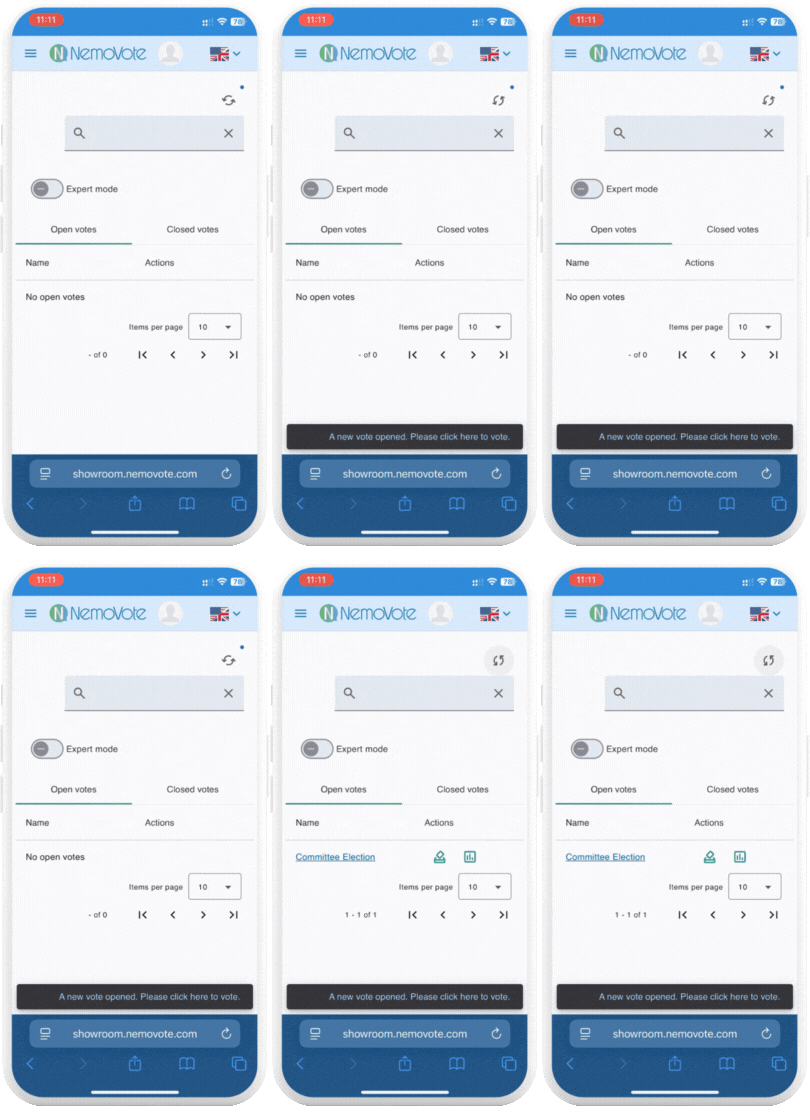
Voting Features
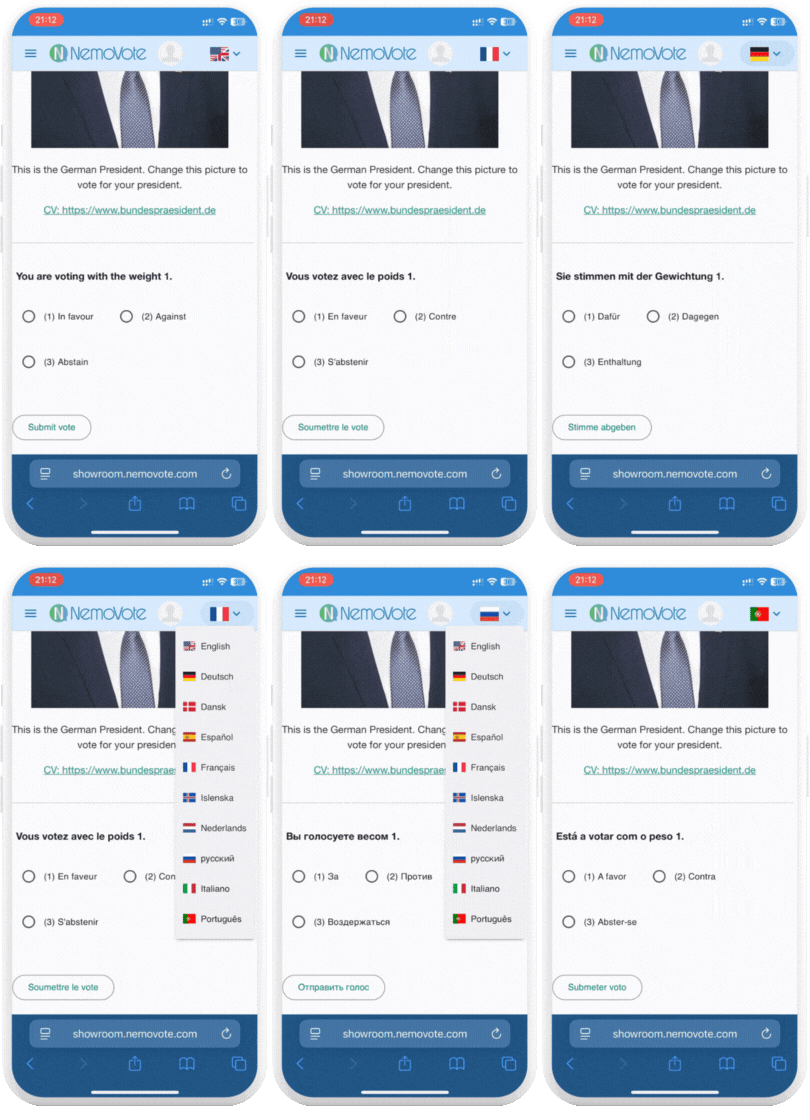
Voting supported by every language
NemoVote currently supports 10 languages. Need additional languages? Let us know and we’ll take care. Such that your voters and voting managers always feel welcome and understand what they are voting on. The best: Motions are automatically translated!
Setup and Management
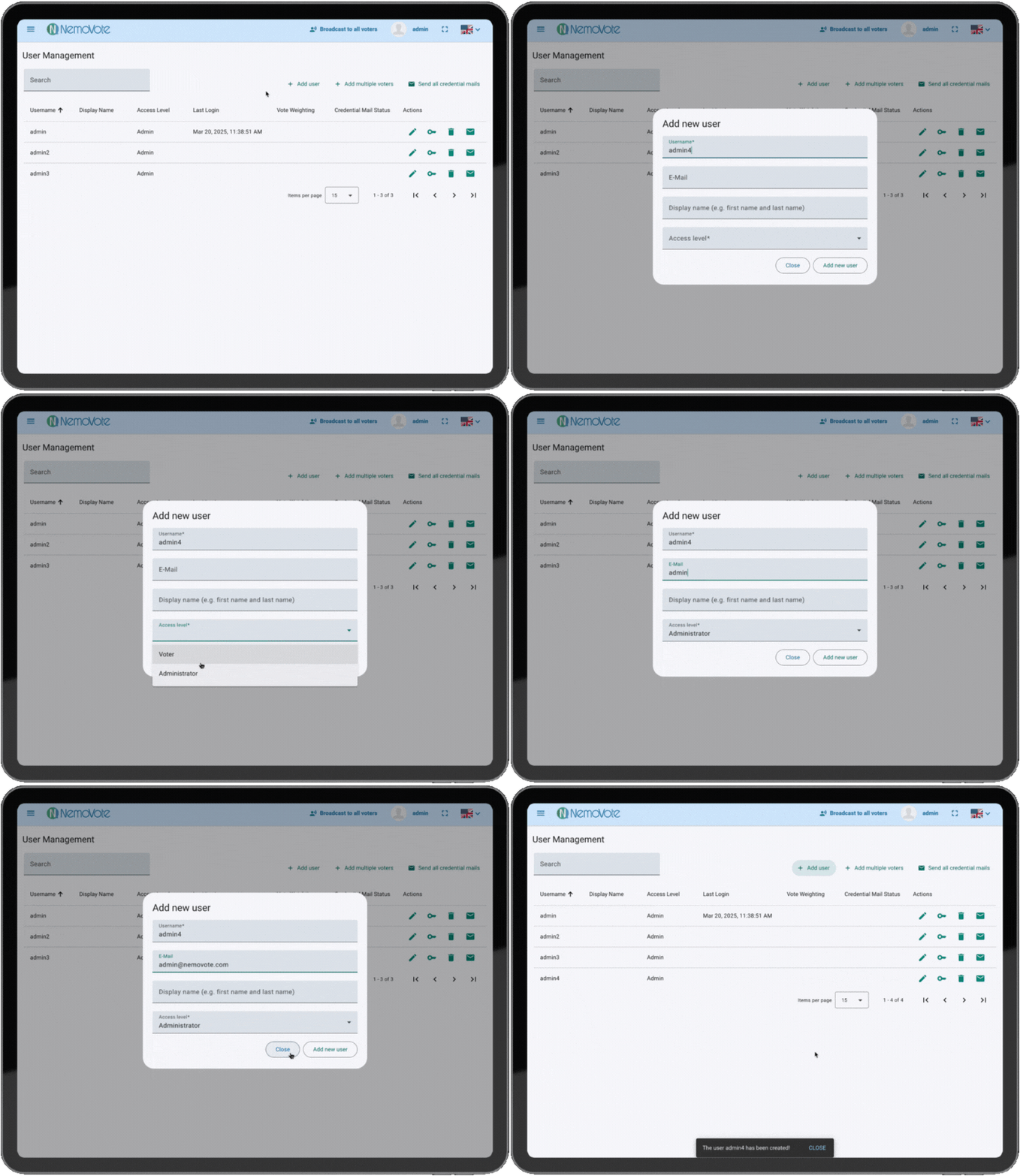
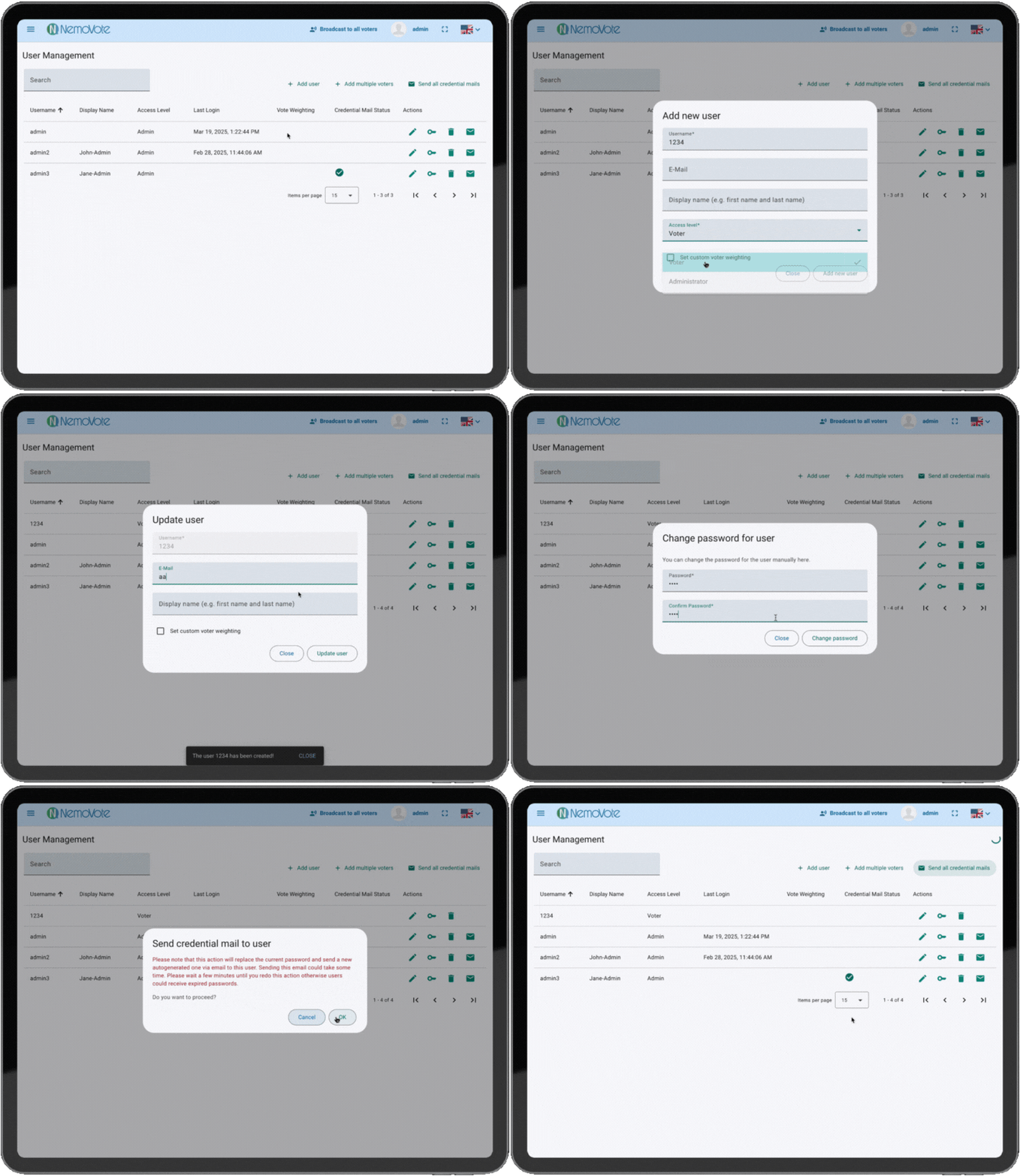
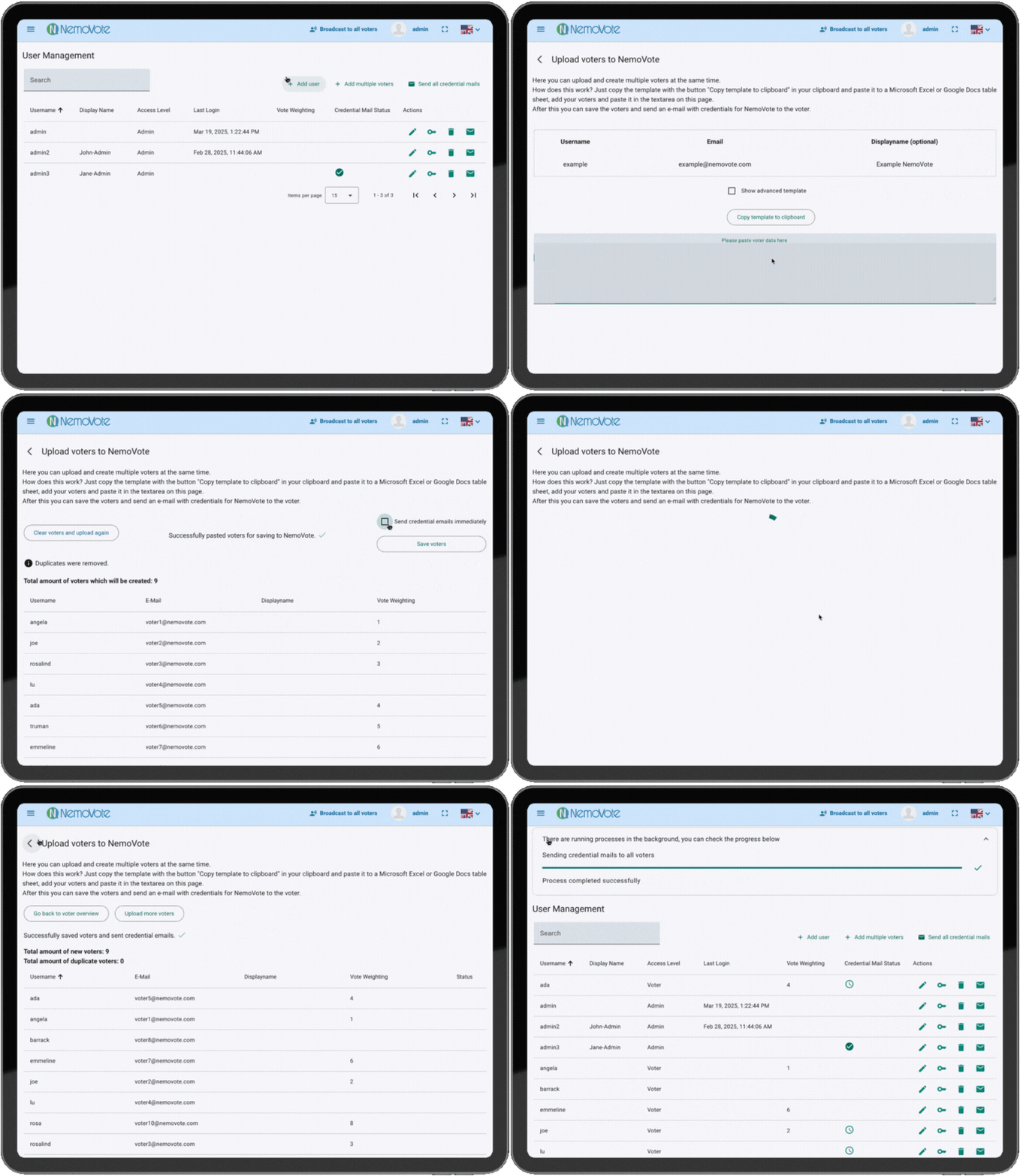
Everything you need to run elections — without the complexity. NemoVote works in any modern browser—no downloads, no extra apps. Administrators can onboard voters in bulk, auto-generate passwords, and manage voting rights with ease.
Premium Features
Make NemoVote truly yours. Unlock advanced customization with premium features. White-label the platform, integrate SSO, and add additional security — all tailored to your organization.
Premium Features
White-Label
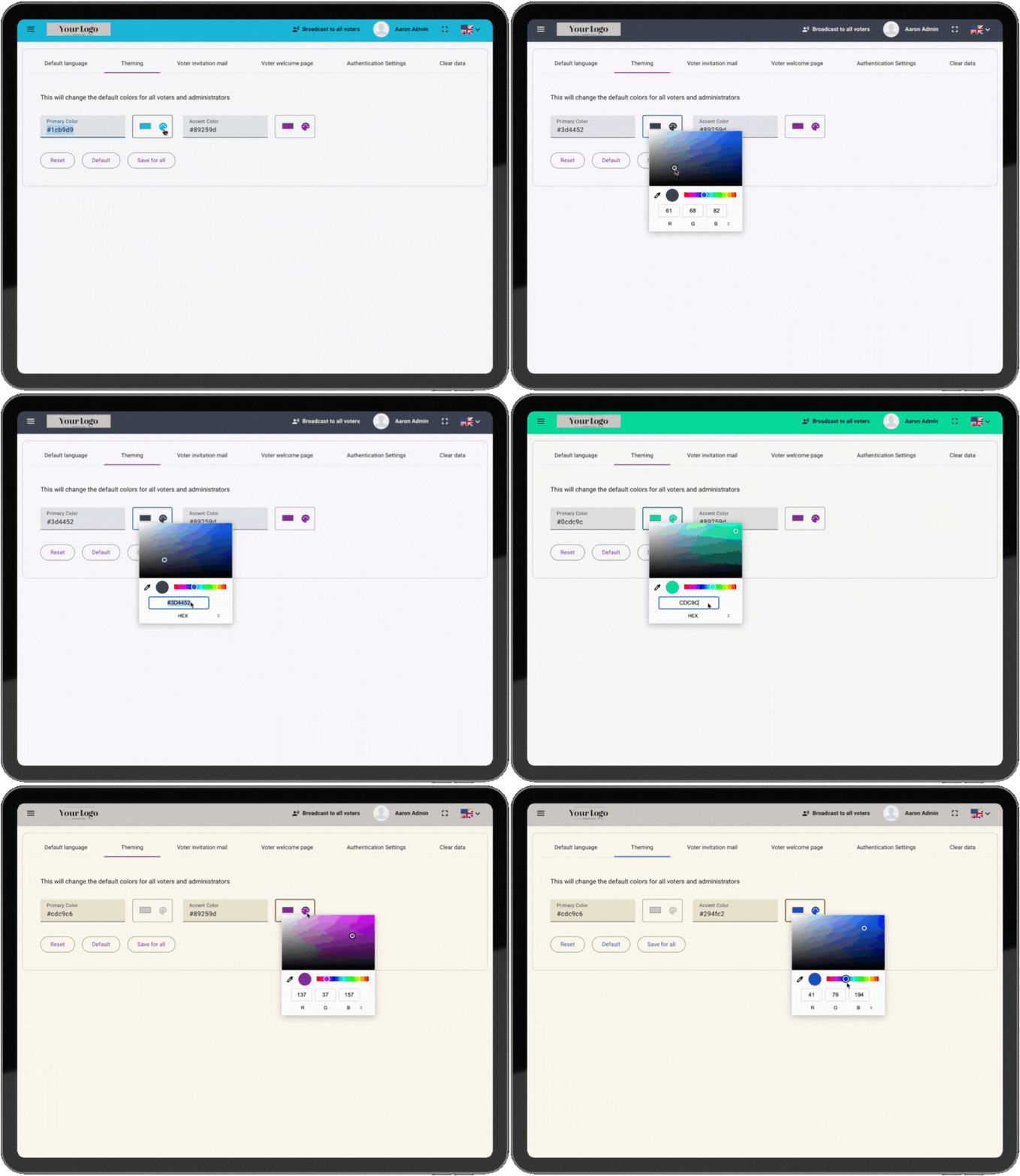
Your brand, your elections. Replace NemoVote’s branding with your logo, colors, and corporate identity. Create a seamless experience that voters recognize instantly.
Premium Features
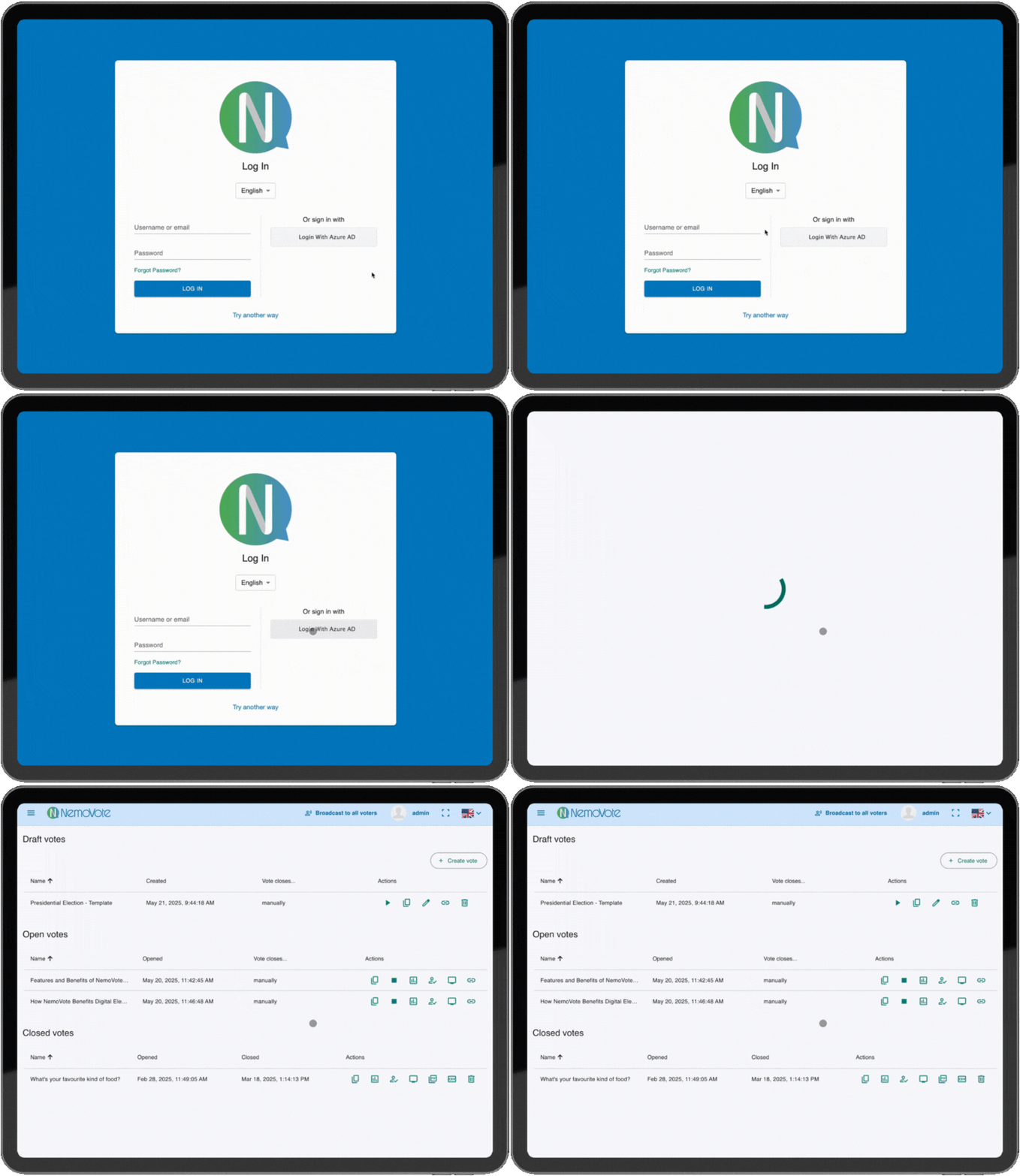
Single Sign-On (SSO)
One login, zero hassle. Let voters access elections with their existing credentials (e.g. Google, Microsoft, or your organization’s SSO). Faster logins, stronger security, and no password fatigue.
Premium Features
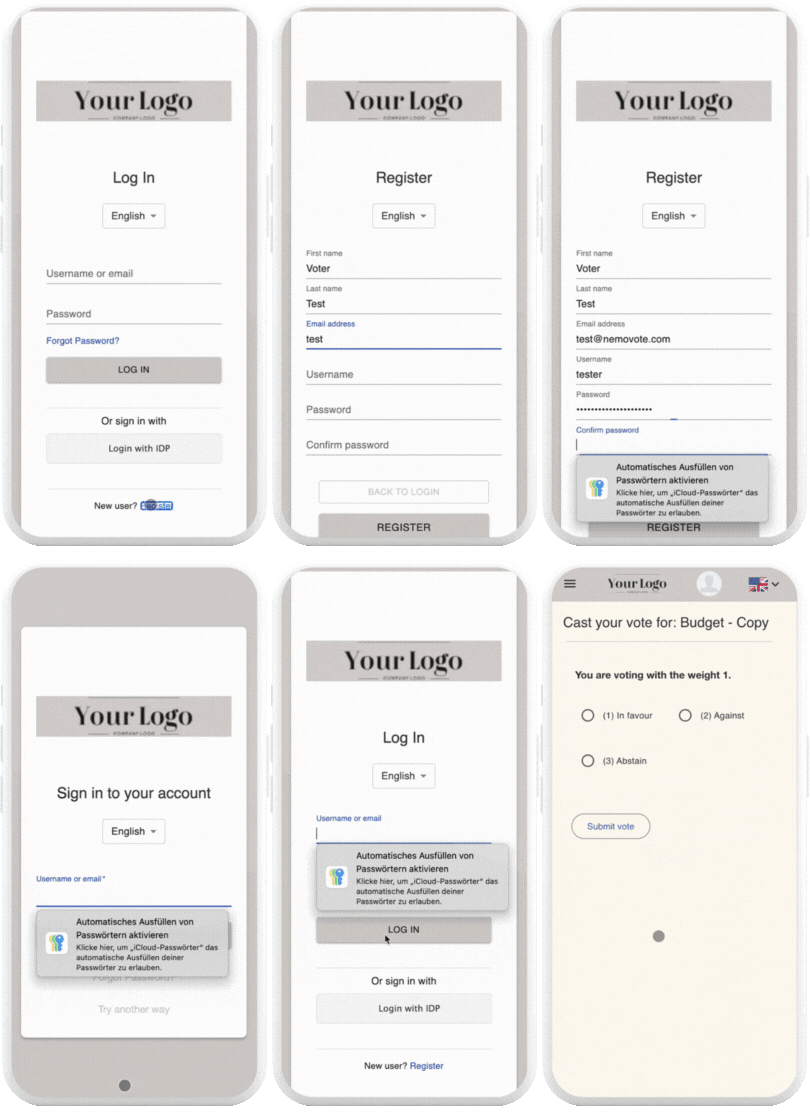
Self-Registration for Voters
Let voters join effortlessly. Allow voters to register themselves with a simple form. Reduce administrative workload while ensuring only eligible participants can vote.
Premium Features
Data Retention
Keep your election data ready for next time. No subscription? No problem. For a small annual fee, NemoVote securely stores your voter data, logins, and passwords. Reactivate everything instantly when you’re ready for your next event.
Feature comparison
Find the perfect plan for your elections. Compare NemoVote’s features to choose the right solution for your needs.
One-time
| Feature | Included |
|---|---|
| Unlimited Voter Lists | yes |
| Unlimited Votes | yes |
| Weighted Voting | yes |
| Multiple Choice Voting | yes |
| Proxy Voting | yes |
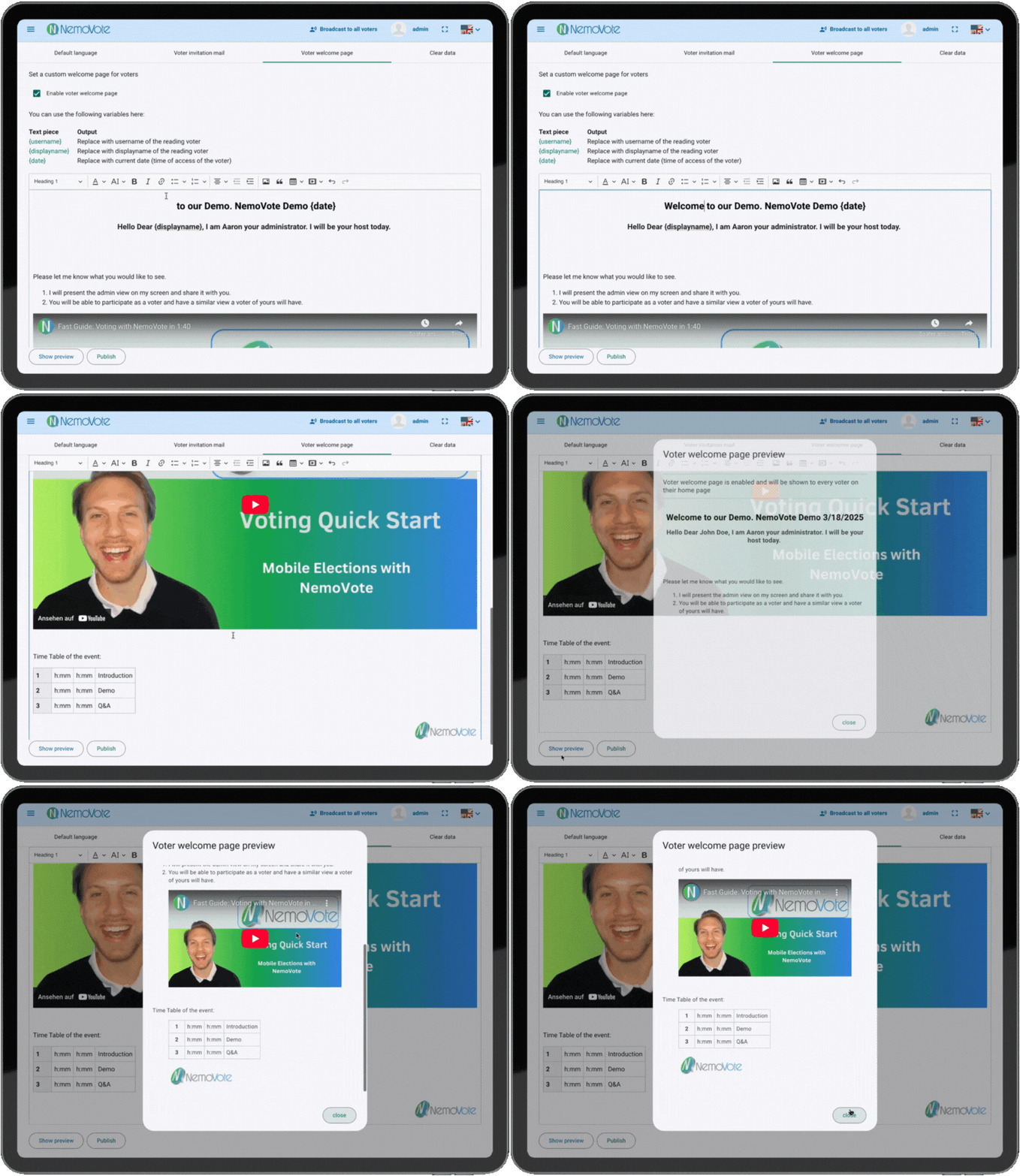
| Custom Voter Welcome Page | yes |
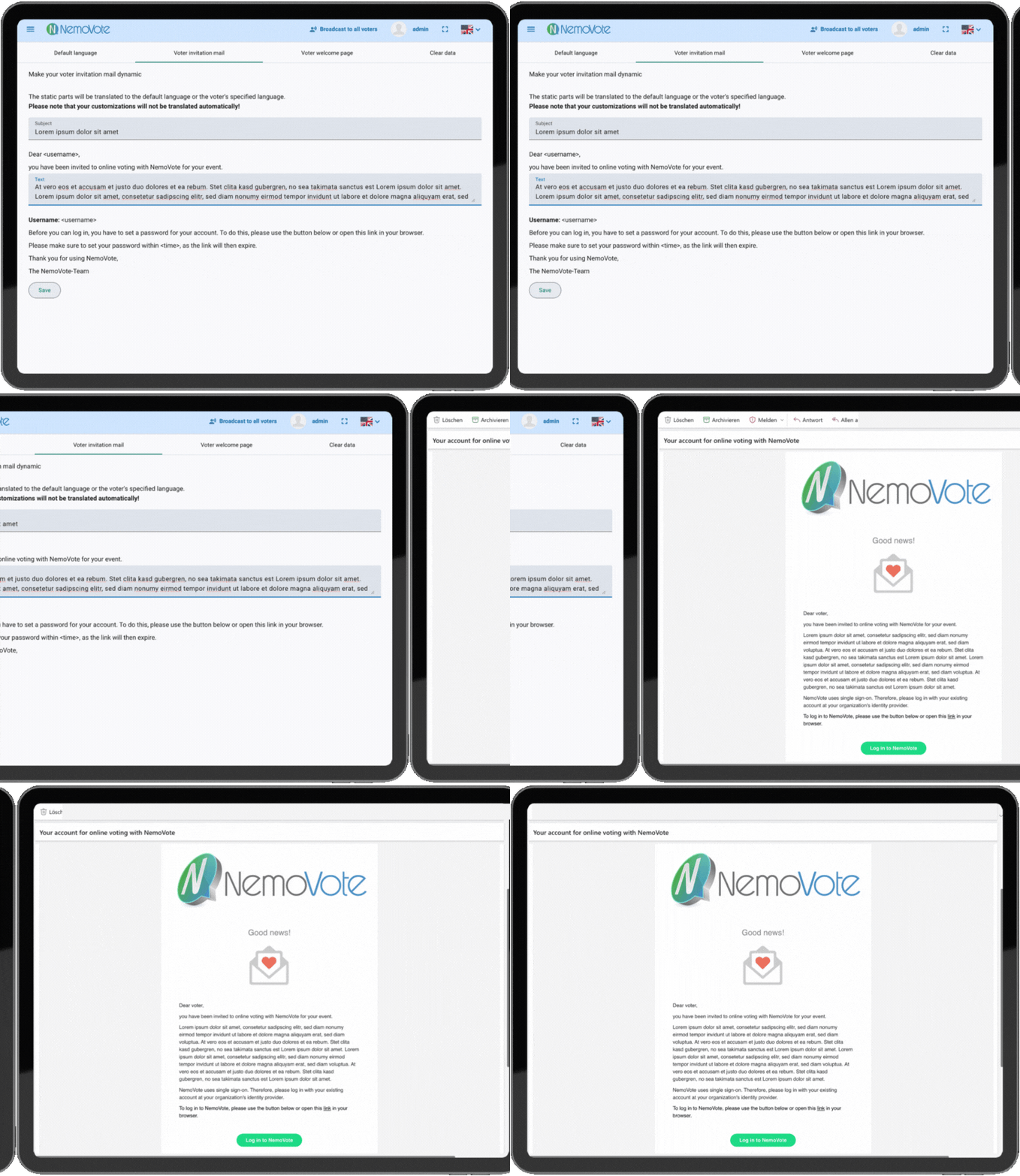
| Customizable Voter Invitation Email | yes |
| Candidate Profiles | yes |
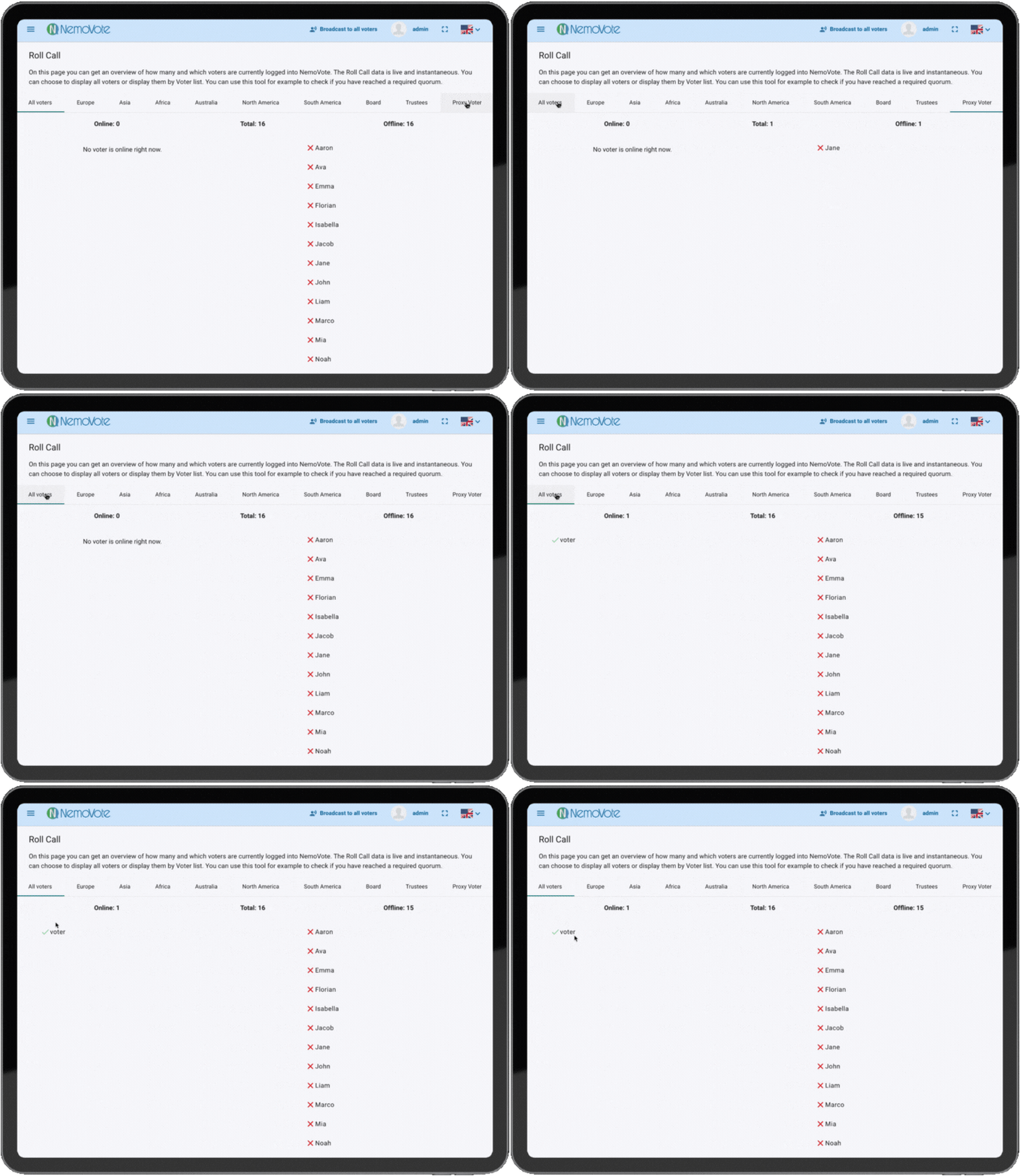
| Roll Call | yes |
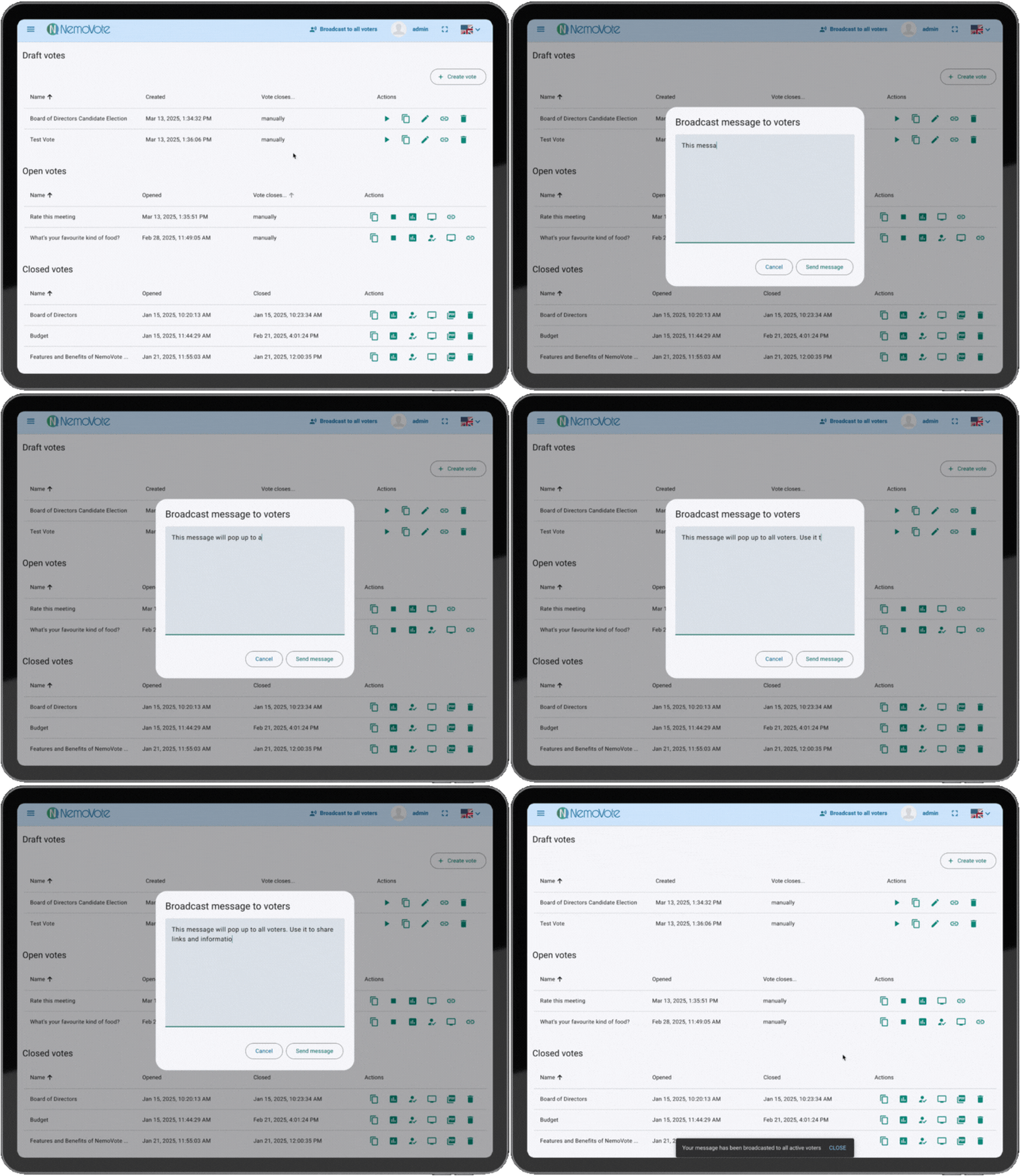
| Broadcast Messages | yes |
| Realtime Results | yes |
| Feature | Included |
|---|---|
| Multiple Administrators | yes |
| Advanced User Management | yes |
| Voter Batch Upload | yes |
| Access | Three days before and after your event (extandable). |
| Feature | Included |
|---|---|
| White-Label: Integration of your Logo and Colors | optional |
| Feature | Included |
|---|---|
| Support via Email | yes |
| Live Support | |
| Training | |
| Fully Managed Election |
Subscription
| Feature | Included |
|---|---|
| Unlimited Voter Lists | yes |
| Unlimited Votes | yes |
| Weighted Voting | yes |
| Multiple Choice Voting | yes |
| Proxy Voting | yes |
| Custom Voter Welcome Page | yes |
| Customizable Voter Invitation Email | yes |
| Candidate Profiles | yes |
| Roll Call | yes |
| Broadcast Messages | yes |
| Realtime Results | yes |
| Feature | Included |
|---|---|
| Multiple Administrators | yes |
| Advanced User Management | yes |
| Voter Batch Upload | yes |
| Access | permanent access |
| Feature | Included |
|---|---|
| White-Label: Integration of your Logo and Colors | yes |
| Feature | Included |
|---|---|
| Support via Email | yes |
| Live Support | |
| Training | |
| Fully Managed Election |
| One-time | Subscription | |
|---|---|---|
| Voting Features | ||
| Unlimited Voter Lists | Included | Included |
| Unlimited Votes | Included | Included |
| Weighted Voting | Included | Included |
| Multiple Choice Voting | Included | Included |
| Proxy Voting | Included | Included |
| Custom Voter Welcome Page | Included | Included |
| Customizable Voter Invitation Email | Included | Included |
| Candidate Profiles | Included | Included |
| Roll Call | Included | Included |
| Broadcast Messages | Included | Included |
| Realtime Results | Included | Included |
| Setup & Management | ||
| Multiple Administrators | Included | Included |
| Advanced User Management | Included | Included |
| Voter Batch Upload | Included | Included |
| Access | Three days before and after your event (extandable). | permanent access |
| Premium Features | ||
| White-Label: Integration of your Logo and Colors | optional | Included |
| Support & Services | ||
| Support via Email | Included | Included |
| Live Support | ||
| Training | ||
| Fully Managed Election | ||
| Choose your plan | Book now | Book now |